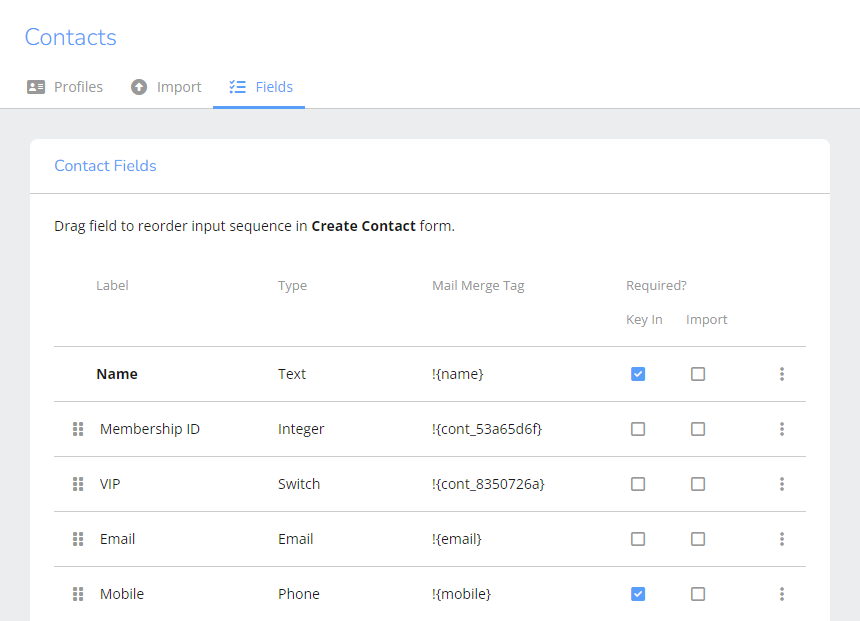
Through [Contact Fields] settings, you can flexibly customize fields to meet diverse contact management needs. Whether using default fields or custom fields, they can be used as search criteria for group building and for creating personalized content in campaigns, enabling more efficient data application.
To view or modify field settings, go to [Contacts] > [Field Settings].
Please note that once a field is created, its type cannot be changed. Therefore, when creating a field, be sure to carefully select the most appropriate type.