When maintaining a contact database, it is not only necessary to continuously add or update contact information and remove outdated records, but also to effectively manage the unsubscribe process. Complying with unsubscribe regulations is crucial, as in most countries and regions, continuing to send marketing messages to unsubscribed individuals is illegal.
¶ Mandatory Email Unsubscribe Feature
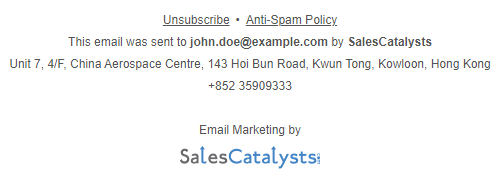
When you send an email campaign through SalesCatalysts, the system automatically appends a mandatory unsubscribe link to the email footer. Once a recipient clicks the link and completes the unsubscribe confirmation, their email address will automatically be filtered from all future campaign emails, ensuring that your campaigns always comply with relevant regulations.
¶ Recipients Contacting You to Request Unsubscription
If a recipient proactively contacts you to request unsubscription, you can manually complete the unsubscribe process for them. In this situation, you can either click the unsubscribe link in the recipient’s email directly or search for the contact within the SalesCatalysts system and use the [Unsubscribe] feature to immediately cancel their subscription.
¶ Can an Unsubscribed Status Be Reset?
We do not support resetting an unsubscribed status back to a subscribed status. Since the unsubscribe process requires two confirmations (clicking the unsubscribe link in the email and then confirming the action on the next page), the likelihood of accidental unsubscribes is extremely low. If you are certain that a recipient unsubscribed due to an error, please gather the relevant information and contact us for further assistance.
¶ Do I Need to Delete Unsubscribed Contacts Directly?
There is no need to delete unsubscribed contacts directly. Even if you remove these records, their email addresses or mobile numbers will still be permanently retained in the system if they completed the unsubscribe process through our system. This ensures that future campaign emails are automatically filtered, effectively preventing accidental re-imports of unsubscribed records and avoiding regulatory violations.